You stay in charge
Every detected trip appears for review first: rename it, split it, merge candidates, or skip it. Photos join your manually created trips only when you approve it — and a skip is remembered forever.
Years of travel are sitting in your photo library. Voymark reads their places and dates — on your device only — and turns them into trips, places and passport stamps you can review before anything is saved.
Free · no subscriptionWorks offlineNo account · no ads
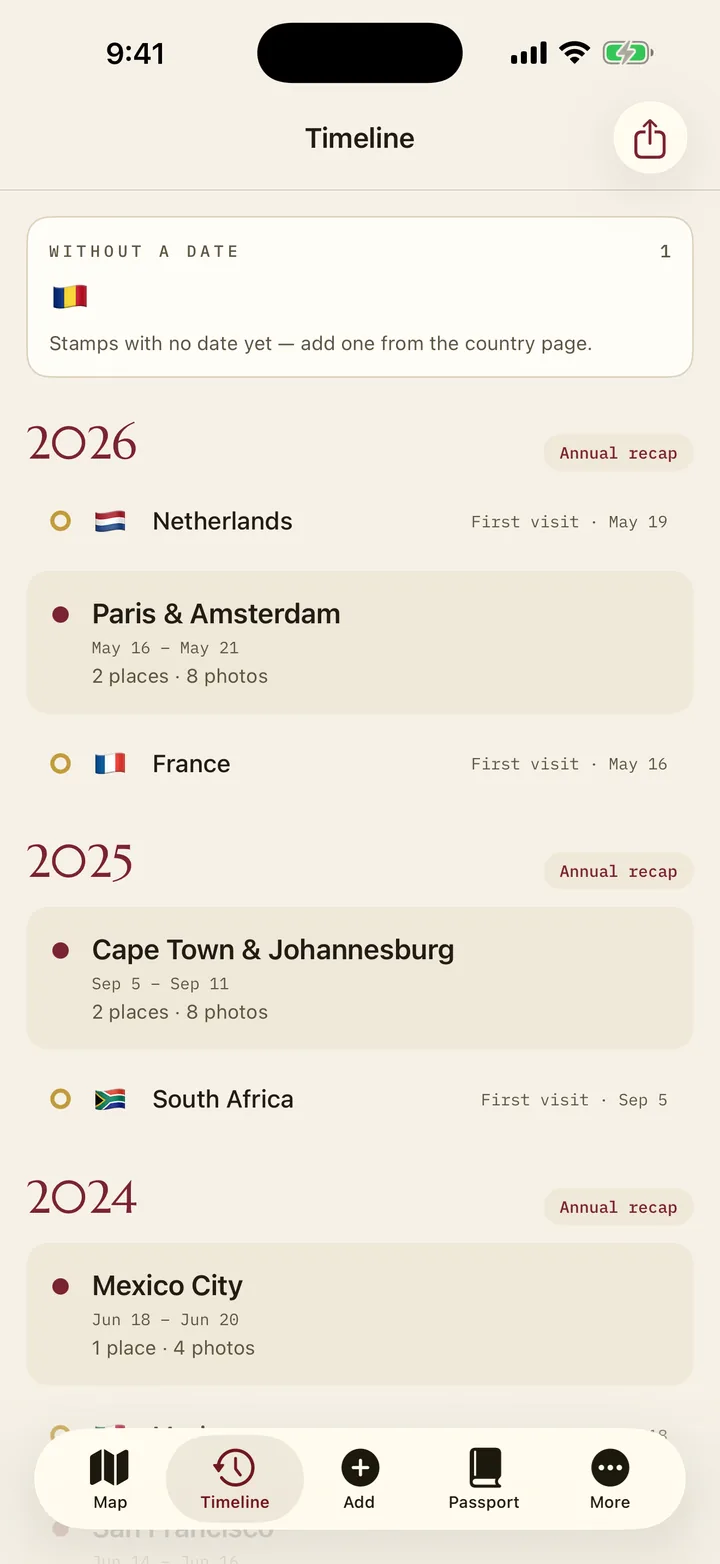
Every detected trip appears for review first: rename it, split it, merge candidates, or skip it. Photos join your manually created trips only when you approve it — and a skip is remembered forever.
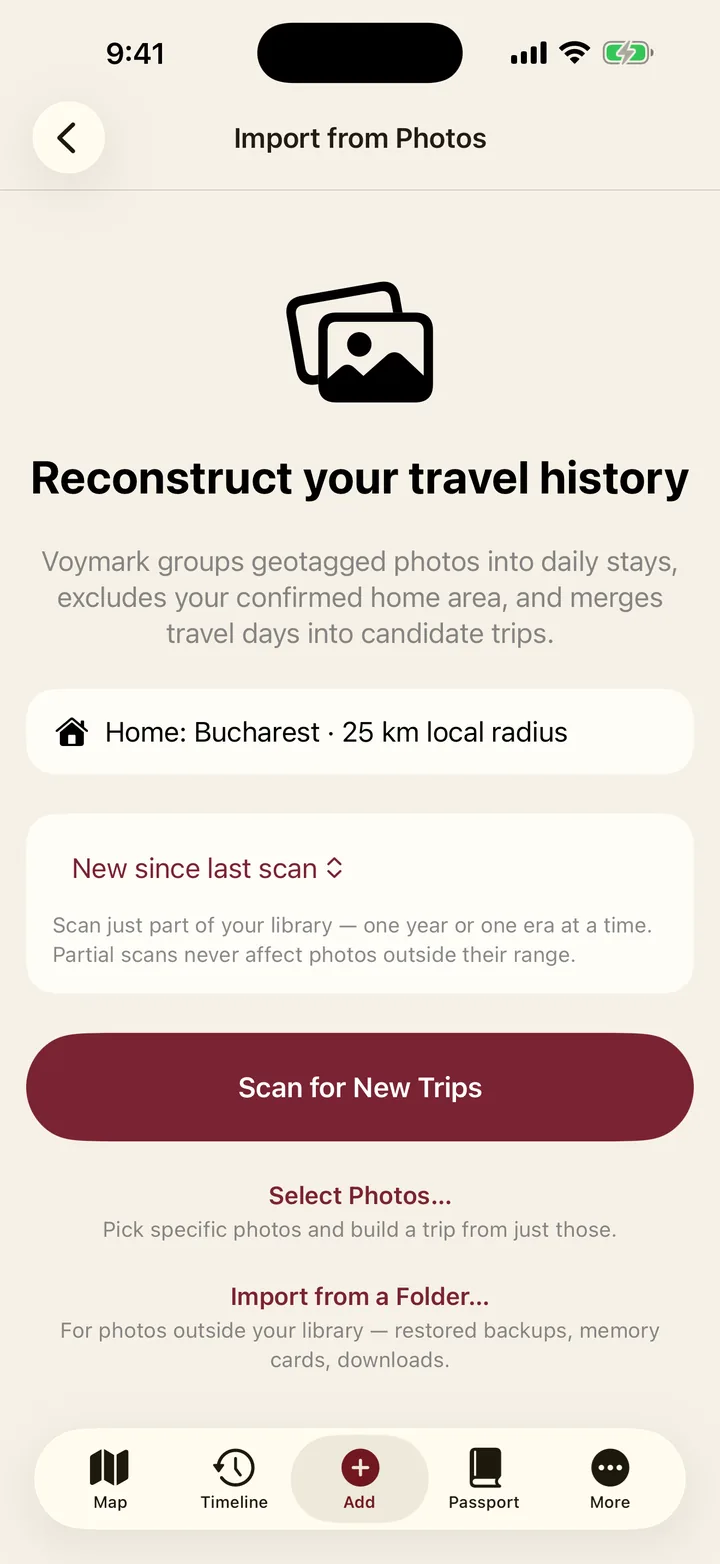
Scan your whole library, the past year, everything since last time, or any custom period — one era at a time. Your confirmed home area is excluded, so everyday photos never become "trips".
The scan works in airplane mode — that's the whole point. Locations and dates are read on your phone, images are never copied or uploaded, and revoking photo access takes one switch in system settings. The names come from the phone too: a gazetteer of 170,789 places ships inside the app, so your stops are called Rome and Brașov before anything asks the network. Online lookup is a later refinement for the handful the gazetteer cannot settle, never a dependency.
Old trips are often on a memory card, an external drive or in a restored backup folder rather than in the phone's photo library. Voymark can scan a folder too, reading the same locations and dates and proposing the same reviewable trips — so the decade before this phone isn't lost to it.
Photos taken near each other on the same day become a stop. Stops on consecutive days become a trip, and a gap of more than two days ends it — so a summer with three holidays comes back as three trips, not one long blur.
Each stop is then named by your phone's own geocoder, preferring the city over the district — so a day in Rome reads "Rome", not "Municipio I". A trip needs at least three geotagged photos to exist at all, which is what stops a stray airport snapshot from becoming a journey.
Photos are grouped into days by the local time at their own coordinates, not by the clock in your pocket. A late evening in Florida stays that evening, instead of becoming the small hours of the next morning back home and splitting one day into two. The time zone comes from the same gazetteer that names your stops — it ships with the app, so nothing is fetched and this works with the network off.
It does not copy them, does not upload them and does not send them anywhere for analysis. There is no image recognition, no face detection and no cloud step: the only thing read is the coordinate and the timestamp already written into the file by your camera.
Photos you attach to a trip are stored as references, not duplicates, so nothing doubles your storage. Delete a photo from your library and Voymark notices the reference has gone stale and offers to clean it up.
No. The scan runs entirely on the phone and works with the network switched off — try it in airplane mode. Images are never copied out of your library, and they are never sent anywhere — not to us, not to anyone.
Then they are simply skipped — nothing is guessed. You can still build those trips by hand and attach the photos afterwards, which takes seconds and keeps the dates and places exactly as you remember them.
Set your home area once and everything within 25 km of it is excluded from detection. Voymark never guesses where you live — if you skip that step, nothing is treated as home rather than something being assumed. For the places home cannot reach — a second home, a partner’s flat, the family house two hours away — mark them as regular places, with their own radius each. Photos taken there stop starting trips, and Voymark offers to remove the trips it would have prevented.
Nothing is written until you accept it, and anything accepted can be edited or deleted afterwards. A candidate you skip is remembered as skipped, so the next scan does not offer it again.
As far as your library does. Scan everything at once, the past year, everything since the last scan, or a period you choose. Photos on a memory card, an external drive or a restored backup can be scanned as a folder, so the years before this phone are not lost.